

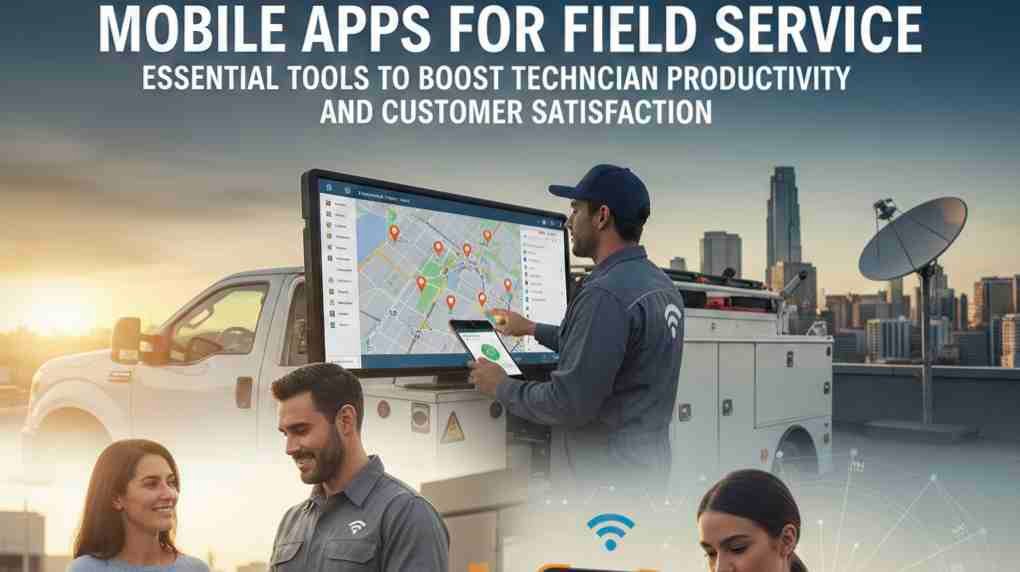
Mobile apps for field service put scheduling, dispatch, job history, and invoicing in your pocket so technicians arrive prepared and managers keep operations tight. You can cut travel time, reduce paperwork, and close more jobs faster by choosing an app that matches your workflows and trade-specific needs.
This article shows which app features matter most, how to evaluate options for your team size and industry, and practical steps for a smooth rollout so your crew adopts the tool quickly and starts showing measurable gains.
Key Features of Mobile Apps for Field Service
These features enable faster dispatch, accurate on-site work, and better route efficiency. They prioritize clear task data, real-time staff coordination, and precise location services to reduce travel time and errors.
Work Order Management
You need work orders that capture everything required for a job: customer details, service history, parts required, and billing codes. Look for apps that let you create, edit, and close work orders on the device, attach photos or PDFs, and record labor time and parts used directly on the job screen.
Mobile-first forms and checklists enforce consistent procedures and speed up compliance reporting. Offline access matters when you work in low-coverage areas; the app should sync changes automatically when connectivity returns. Integration with your back-office system keeps inventory, invoicing, and technician schedules up to date without duplicate entry.
Consider features that reduce return visits: mandatory sign-offs, automated parts reservations, and in-line troubleshooting guides or knowledge-base links. Prioritize audit trails and timestamped activities so you can verify who did what and when.
Real-Time Communication Tools
You must maintain continuous contact between dispatchers, technicians, and customers. The app should offer push notifications for new or changed assignments, SMS or in-app messaging for quick clarifications, and voice or video calling when visual context is necessary.
Use templated messages and status codes to standardize updates: “En route,” “On site,” “Completed,” etc. This reduces ambiguity and improves customer expectations. Group chat or team channels let multiple stakeholders collaborate on complex jobs without switching apps.
Two-way communication should also support attachments — photos, diagnostic logs, or PDFs — so technicians can share evidence instantly. Ensure messages are logged against the work order for future reference and performance analysis.
GPS Tracking and Route Optimization
You want live location tracking for technician visibility and accountability. The app should display technician locations on a map, update ETA automatically, and allow geofencing to trigger job start/stop events when the tech arrives or leaves a site.
Route optimization algorithms must balance shortest travel time with skill-based assignment and appointment windows. Look for features that generate multi-stop routes, reorder visits dynamically based on traffic, and recalculate when jobs change. Turn-by-turn navigation integration reduces manual directions and keeps routing within the app.
Privacy controls are essential: provide location sharing that respects off-duty periods and complies with local laws. Also verify that GPS data feeds into performance reports so you can measure travel time, utilization, and route efficiency.
Selecting and Implementing Field Service Mobile Apps
Choose solutions that connect cleanly to your current tools, protect customer and worker data, and fit how your technicians actually work. Prioritize seamless system links, strong access controls, and practical training that drives daily use.
Integration With Existing Systems
Map every data flow before you buy: work orders, inventory, customer records, billing, and scheduling must move without manual re-entry. Confirm the app supports your ERP, CRM, and scheduling platform through existing connectors or open APIs.
Check real-time sync capabilities for dispatch changes and parts updates; batch-only syncs create costly delays. Validate how the app handles conflict resolution when offline edits occur, and whether it provides audit logs for traceability.
Plan for identity and role mapping so technicians see only relevant data. Test integrations in a sandbox with representative data volumes to reveal performance and edge cases. Include IT and field leads in acceptance testing to ensure the integrated experience matches operational needs.
Security and Data Privacy Considerations
Apply least-privilege access: assign roles that limit data and functions to what each technician needs. Use multi-factor authentication and device attestations for mobile endpoints, and enforce strong password and timeout policies.
Encrypt data both at rest and in transit using standards such as TLS and AES-256. Confirm the vendor publishes encryption practices and key management options; prefer solutions that allow customer-managed keys for sensitive environments.
Address local data residency and retention rules for customer records and service logs. Require the vendor to support remote wipe and selective wipe for lost devices. Include logging and SIEM integration so you can monitor suspicious access and meet audit requirements.
User Training and Adoption Strategies
Design training around actual daily tasks: start-of-day dispatch, job completion, parts lookup, and invoicing on site. Use short, role-specific modules—video clips, checklists, and interactive walkthroughs—to reduce cognitive load and speed adoption.
Pilot with a small, mixed group of high- and low-tech users for 2–4 weeks to surface usability issues. Use in-app tips and contextual help to reinforce workflows after rollout. Track adoption metrics like completed mobile work orders, time-to-close, and error rates, then iterate training where gaps appear.
Provide on-the-ground champions and a fast support channel for the first 60–90 days. Tie success metrics to technician incentives when appropriate to encourage consistent use and accurate data capture.